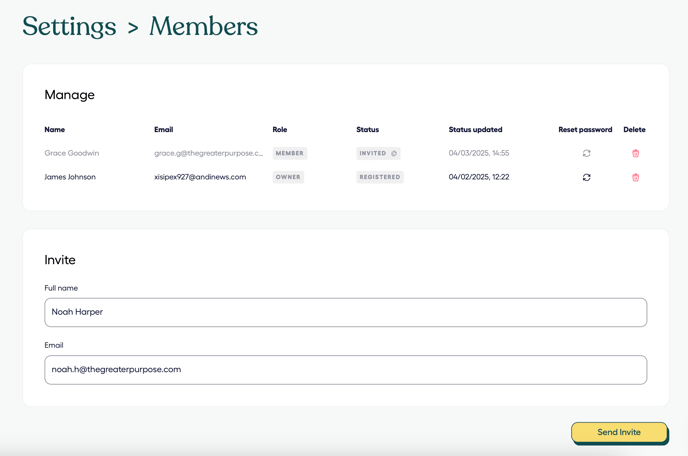
To manage your team members in the GMP:
- Go to https://platform.gatheredhere.com/ on any browser and Sign in
- Click Settings on the left hand side
- Click Members
- From here you can:
- Manage existing members in the GMP
- Add new members under the Invite section and click Send Invite
- Team members will be able to update their own account information and preferences as per this guide.
- The 'Member' role has full access to the GMP, able to generate reports and maintain your organisation settings
- The 'Owner' role has the same functionality as 'Member' AND will receive invoices for the platform