
To find your organisation's landing page link:
- Go to https://platform.gatheredhere.com/ on any browser and Sign in
- Click Settings on the left hand side
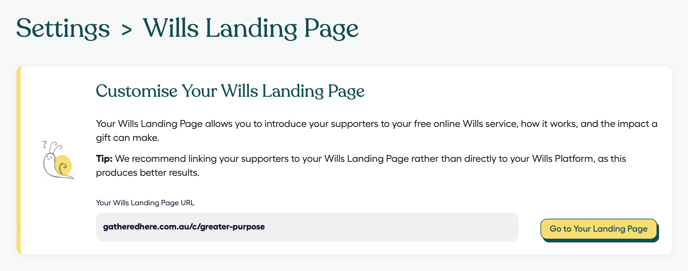
- Click Landing page
- From here, you can:
- Review your organisation's wills page Link
- Preview your wills page in a new tab
- Copy and paste your link to share in your campaigns
Note on changing your landing page link:
Your organisation's landing page link is maintained by Gathered Here admin. To request a change, please contact your Partner Success Manager or Gathered Here support.